
How to sell your Solar Panels on Solar Trader Platform

Create Your Listing

Receive Inquires or Offers

Negotiate Price and Terms

Accept Best Offer

Sunhub Generates Contract

Receive Payment per terms
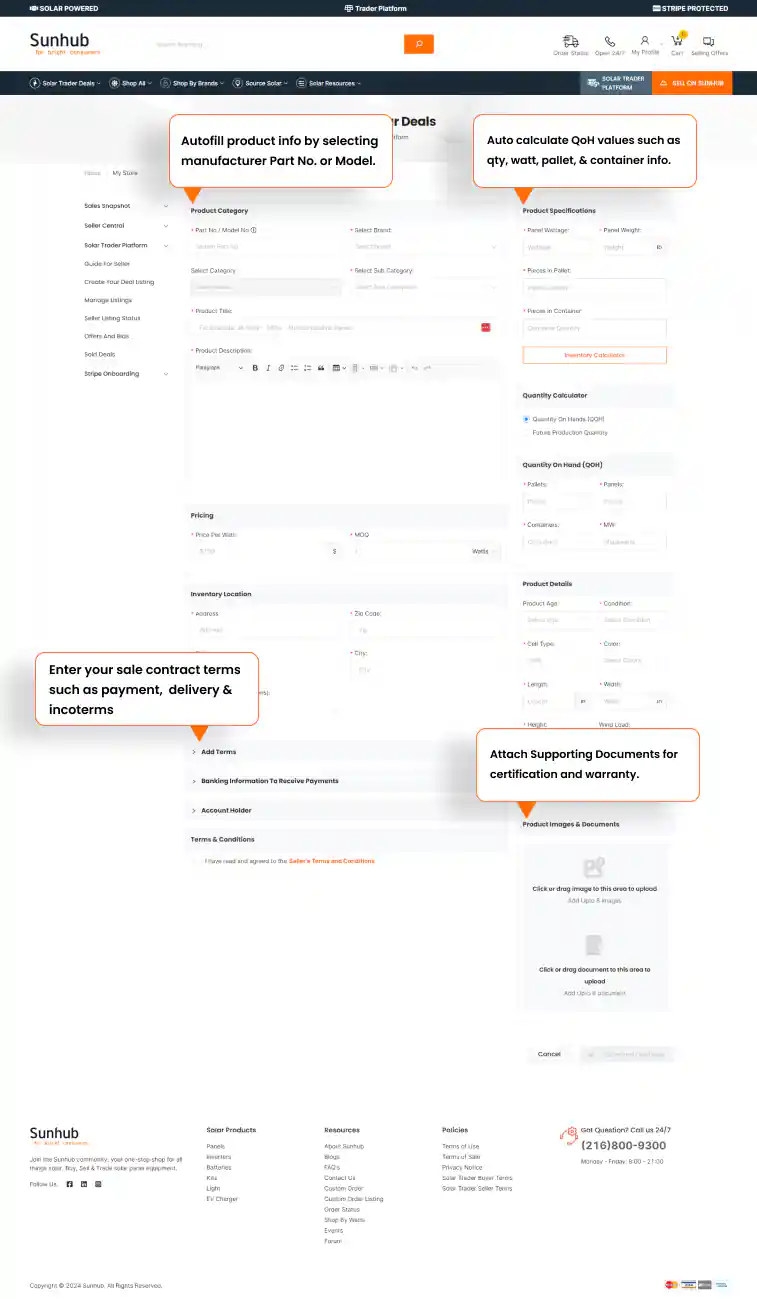

How to create your listing
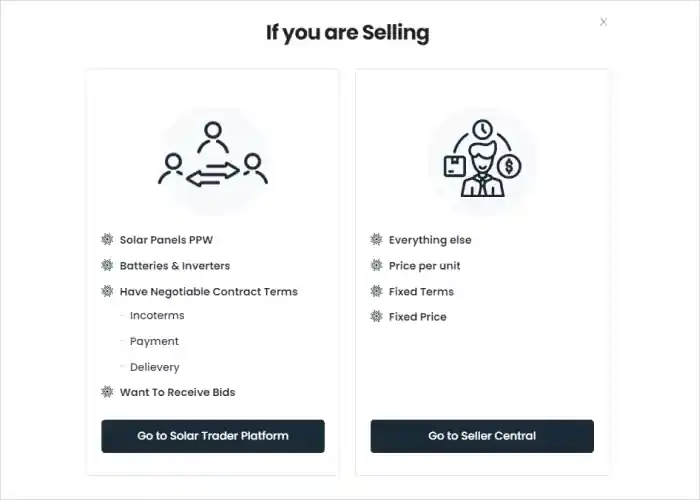
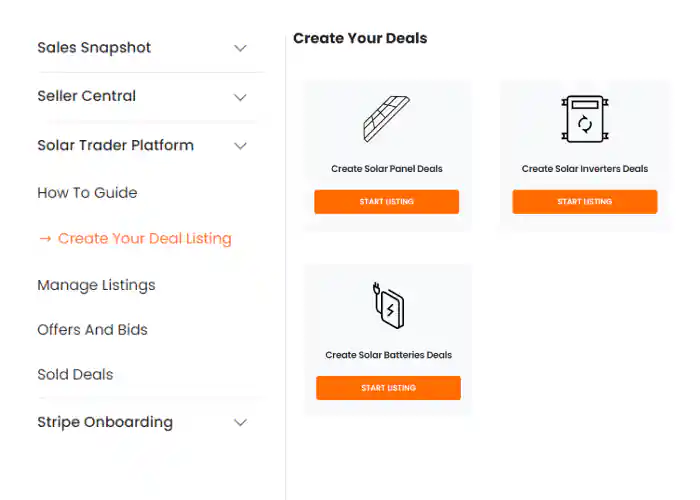
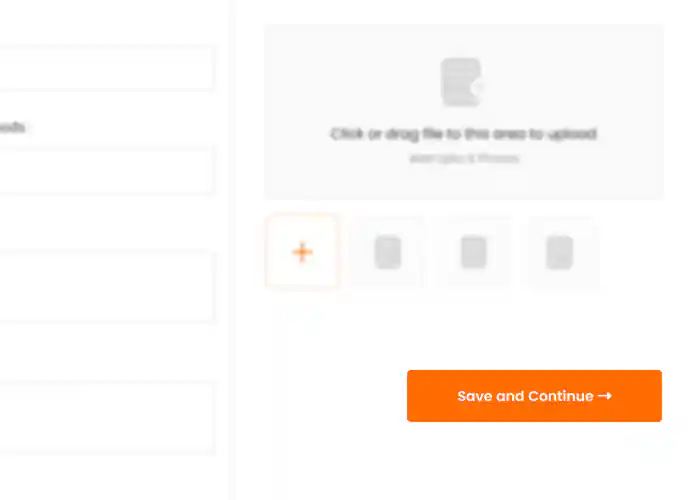
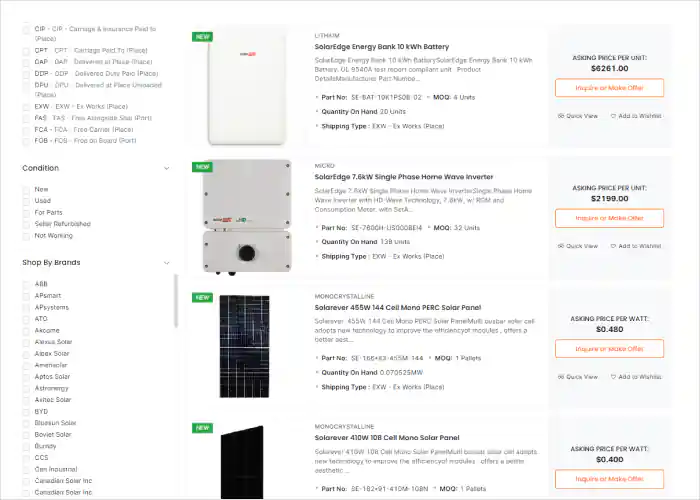
What information you need for your listing.
Autofill Product Information
Creating your listing is simple, Sunhub Trader Platform autofills product details. You can search by manufacturer SKU or Part Number, if a match is found the system will autofill the product details, including information from the specification sheet. You can override any populated information.
Set Price and Contract Terms
The platform allows buyers to negotiate price and terms, You can set the Sale price, and the contract terms. The buyers will send offers and may negotiate terms. The contract terms can include negotiable items such as incoterms, connectors, warranty, payment and delivery schedule.
Quantity on Hand
Sunhub Trader platform provides a Inventory calculator on page to help you calculate the quantity on hand. The calculator leverages the product specification to let you know the Total Watts based on panel pieces or calculates Panel quantity based on Watts available, and lists the number of pallets or containers required with total weight.
MOQ (Minimum Order Quantity)
When you list your product, you can also define the minimum order quantity, this the minimum a customer must buy from the quantity on hand you listed. You can list this in terms of Watts, pieces, pallets or containers.
Images and Documentation
The platform allows you to upload the product images, and supporting documentation that you think the buyers will find useful, such as Warranty, Certifications, and product literature.
Prohibited Content
Vulgar and offensive content may not be entered in the listing, the listing when submitted goes through a Sunhub content approval and pricing process before being published. No company or personal information is allowed in the listing, such as website URL and contact info. Sunhub maintains anonymity between buyer and sellers during the bidding process.